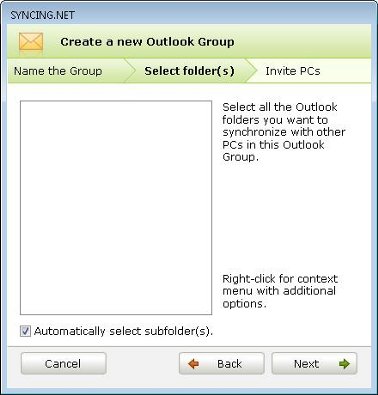
Why can't I see my Outlook folders or Outlook profiles?
This issue can be caused by several factors:
Cause 1: Corrupted PST file
Your PST file may contain errors. Check and repair your PST file using the built-in Microsoft Inbox Repair Tool (SCANPST.EXE), which is included with every Microsoft Office / Outlook installation.
Cause 2: PST file is not registered in the profile
Check whether your PST file is properly registered under Control Panel -> Mail -> Data Files (or in Outlook under File -> Account Settings -> Account Settings -> Data Files). If not, add your Outlook PST file, set it as default, and restart Outlook.
Cause 3: Corrupted Outlook profile
If the profile still does not appear, create a new Outlook profile under Control Panel -> Mail -> Show Profiles -> Add and attach your existing PST file to the newly created profile.