
SYNCING.NET Free Edition
Free mobile app for iOS to synchronize files, calendars, and contacts across your mobile devices or with a Windows PC.
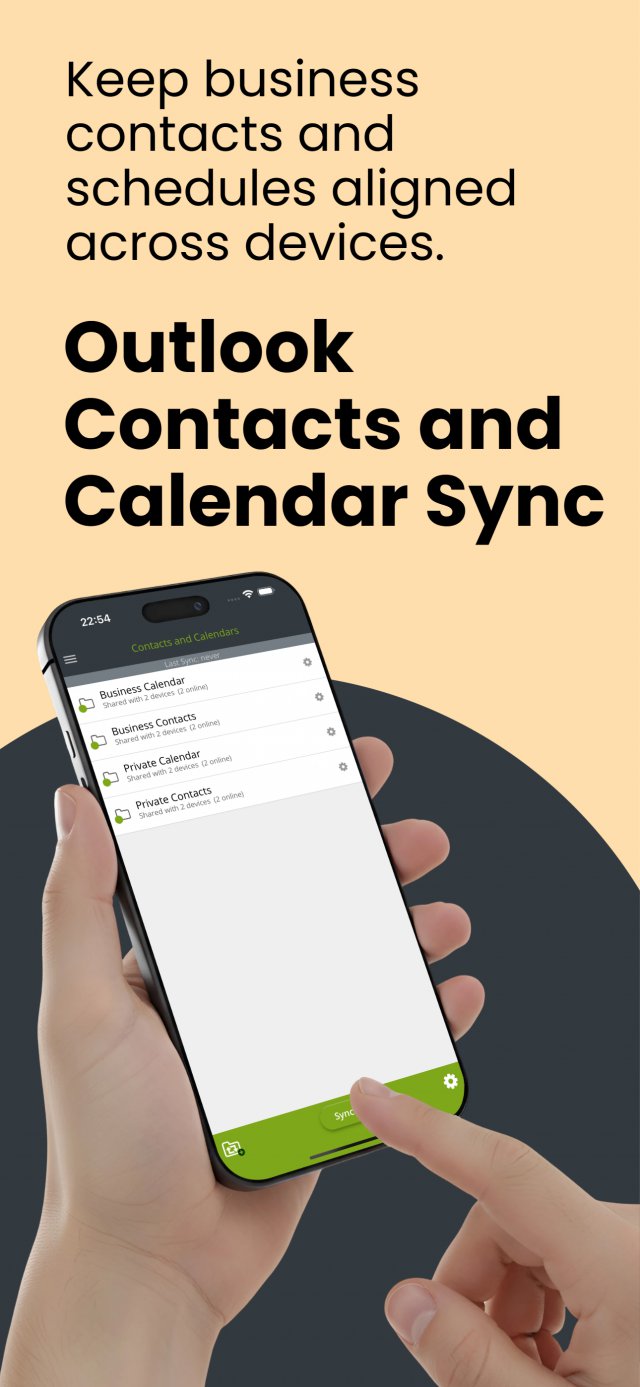
- Mobile & PC synchronization: Sync files, contacts, and calendars between iOS or Android devices and with Outlook on Windows (PC sync requires a separate desktop license).
- Scope of the Free Edition: Supports up to 2 devices in 1 synchronization group with up to 2 GB of total file volume.
- Local storage & cloud-free privacy: Data is stored directly on your mobile device without third-party cloud servers.
- Unlimited time usage: Free to use with no trial expiration, including standard email support.
- Description
- Testimonials
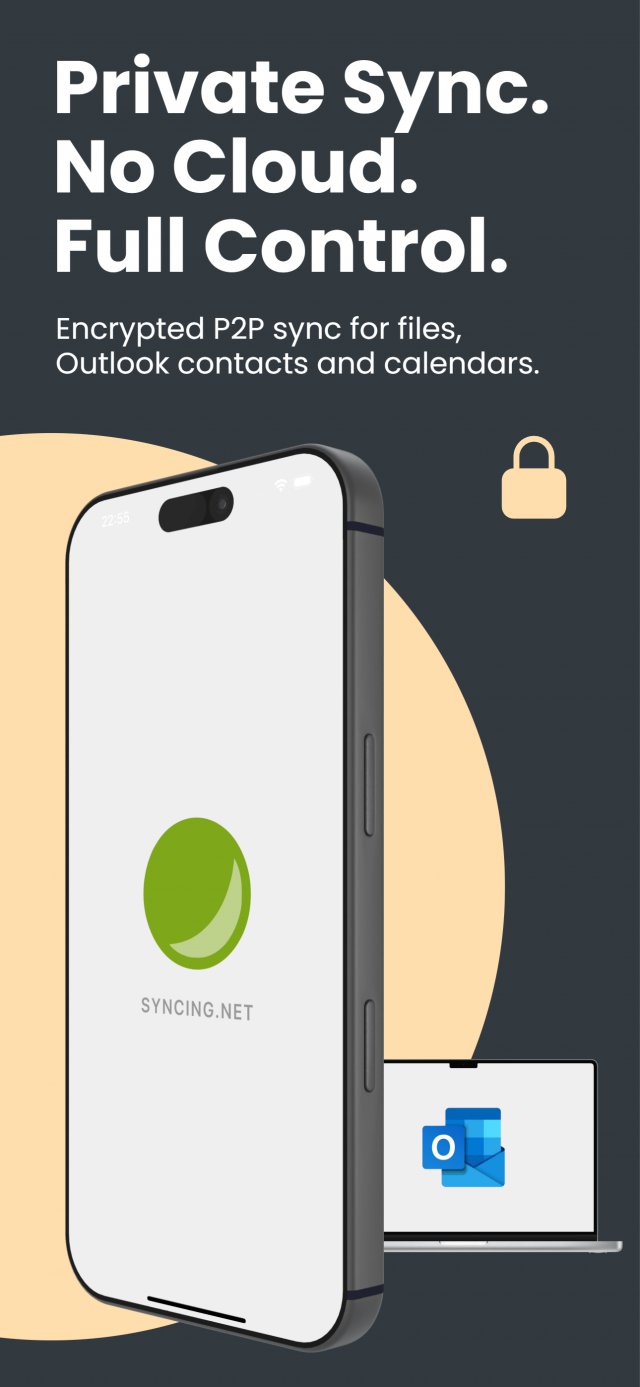
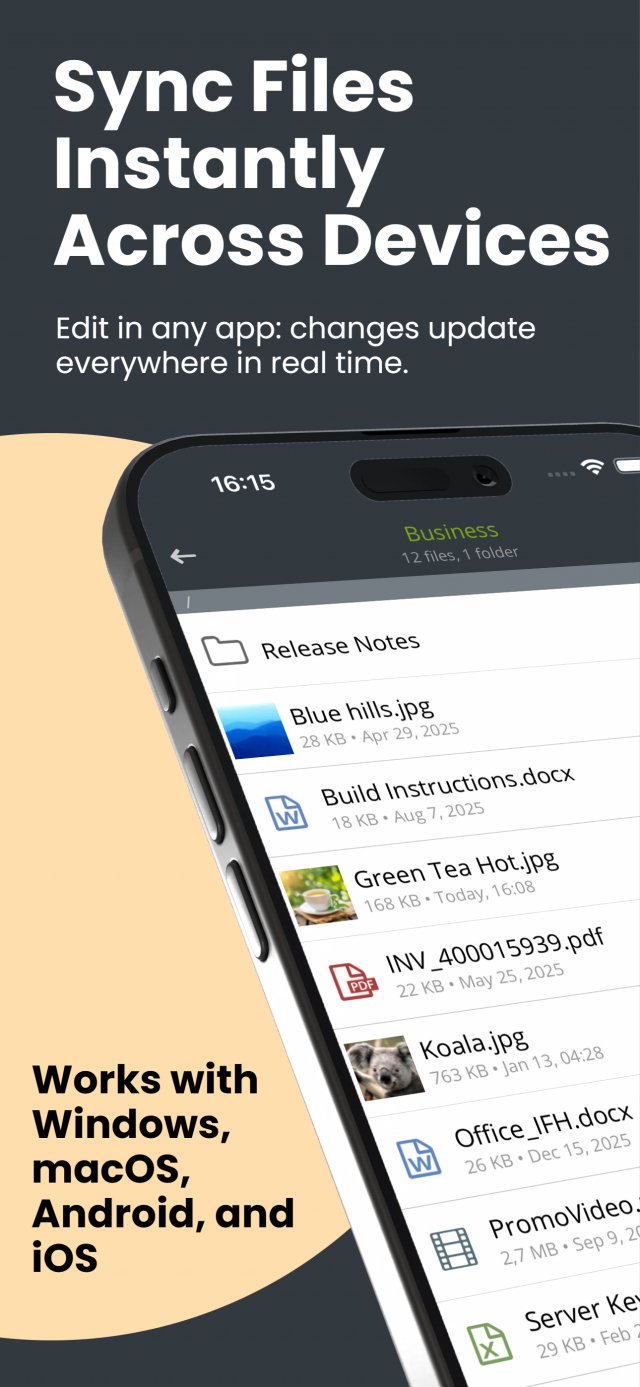
SYNCING.NET for iOS Free is an iPhone sync app for the contacts and calendars stored on your devices. It also syncs files in one folder between iPhone, iPad and Android. The free edition supports up to two devices, one SYNCING.NET account and up to 2 GB of files, without a cloud or data center.
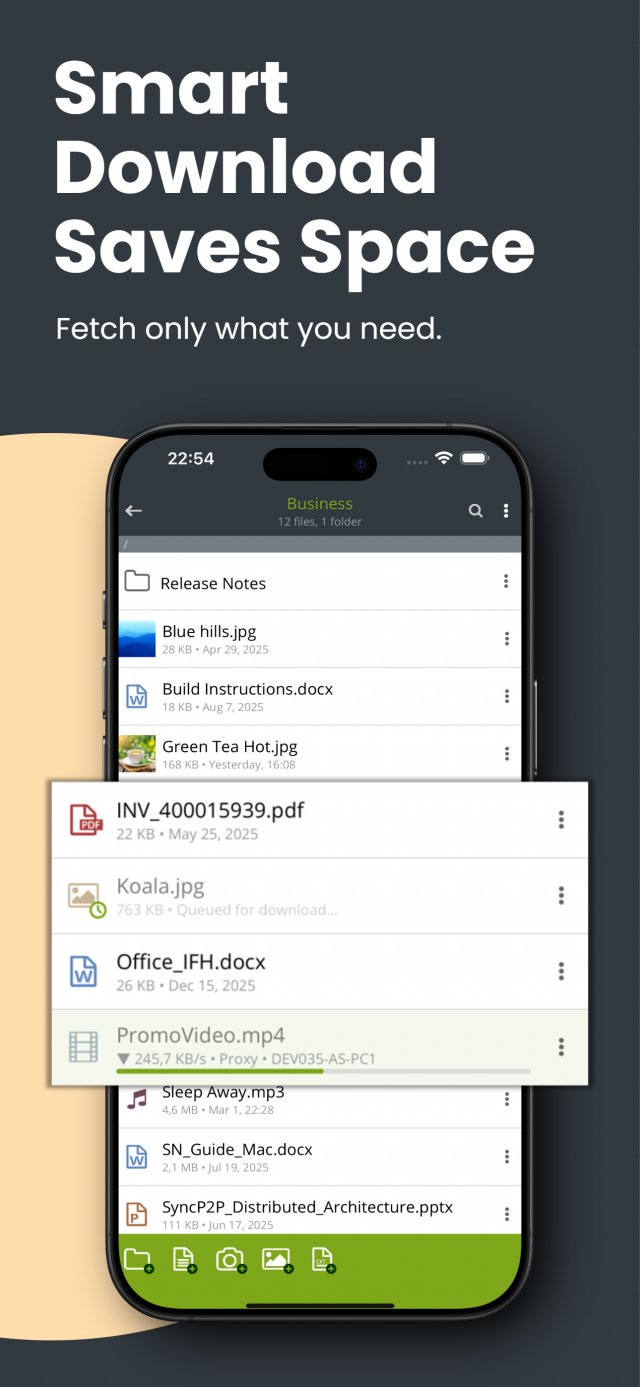
Create a SYNCING.NET account and use the same account on both mobile devices. To sync with Outlook on Windows, install SYNCING.NET Personal or Business on the PC; the mobile app alone cannot connect to Outlook. Files can be downloaded on demand and removed locally again, so large folders do not fill the device.
Real customers. Real reviews.
Free Mobile Calendar, Contact, and File Synchronization for iPhone and iPad
SYNCING.NET for iOS Free Edition is a dedicated mobile app designed for individuals who want to keep their calendars, address books, and important documents synchronized between their mobile devices, or connect their iPhone and iPad directly to classic desktop Outlook on Windows without relying on public cloud storage.
Direct Mobile-to-Mobile Sync Without iCloud or iTunes
Exchange data directly between handheld devices without routing sensitive personal information through third-party servers:
- True cross-platform mobility: Synchronize native contacts and calendar entries seamlessly between two iOS devices (such as an iPhone and an iPad), or pair an iPhone with an Android smartphone or tablet.
- No cloud or data center storage: Your personal data stays strictly on your physical devices. Unlike consumer cloud storage, your SYNCING.NET account acts solely as a secure peer-to-peer connection manager, bypassing external clouds, Apple iCloud, and manual iTunes cables.
- Smart on-demand file downloads: Files in your synchronized folder are fetched only when requested or opened, preventing large documents from consuming storage space on your iPhone or iPad. Downloaded files can be cleared from local storage at any time while remaining safely available on your other connected devices.
Free Edition Scope and Limitations
The Free Edition provides permanent mobile functionality for personal use without a time-limited trial expiration:
- Two connected devices: Connect up to 2 mobile devices under a single personal account.
- One synchronization folder: Share one dedicated mobile folder for essential documents, notes, and photos.
- 2 GB storage volume: Supports a total synchronized file volume of up to 2 GB.
- Free email support: Includes standard customer support and updates directly through the Apple App Store.
Connecting iPhone and iPad to Desktop Microsoft Outlook
While the mobile app can synchronize calendars and contacts directly between phones and tablets, connecting to a computer requires a desktop companion:
- Desktop license for PC sync: To synchronize mobile contacts, appointments, and files with desktop Microsoft Outlook on a Windows computer, a licensed desktop client is required on the PC, such as SYNCING.NET Personal Edition (up to 3 PCs) or SYNCING.NET Business Edition (teams up to 50 PCs).
- Direct synchronization without Exchange: Once connected to your desktop SYNCING.NET network, Outlook emails, calendar events, and contacts stay updated on your iPhone without setting up a corporate Microsoft Exchange server.
Explore Mobile Alternatives and Desktop Solutions
- Using an Android device? Install our free companion app for SYNCING.NET for Android Free Edition.
- Need more devices, folders, or business management? Explore our desktop licensing options to expand your file quotas and connect multiple computers.
- Synchronize via Google accounts (gSyncing): If you prefer syncing your desktop Outlook calendar and contacts to your phone via your existing Google account, take a look at gSyncing.
Install the free app directly from the Apple App Store, or visit the Download page to get desktop clients for your PC and Mac.
