
SYNCING.NET Business Edition
Full-featured mobile edition for teams on iOS - removes Free Edition limits and unlocks shared business groups, user rights, and unlimited data traffic.
- Unlocks full team collaboration: Removes the 2-device, 1-group, and 2 GB restrictions of the Free Edition for unlimited data traffic.
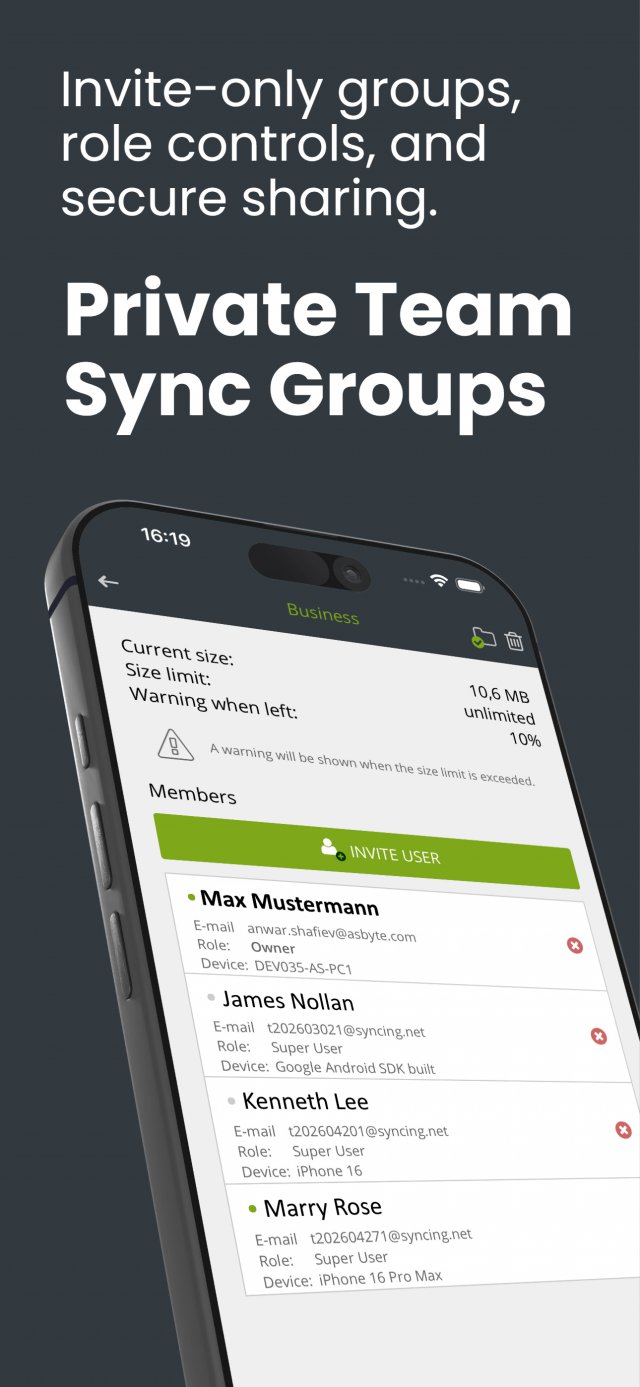
- Shared groups & user permissions: Join closed invitation-only company groups, assign individual user rights, and set folder size limits.
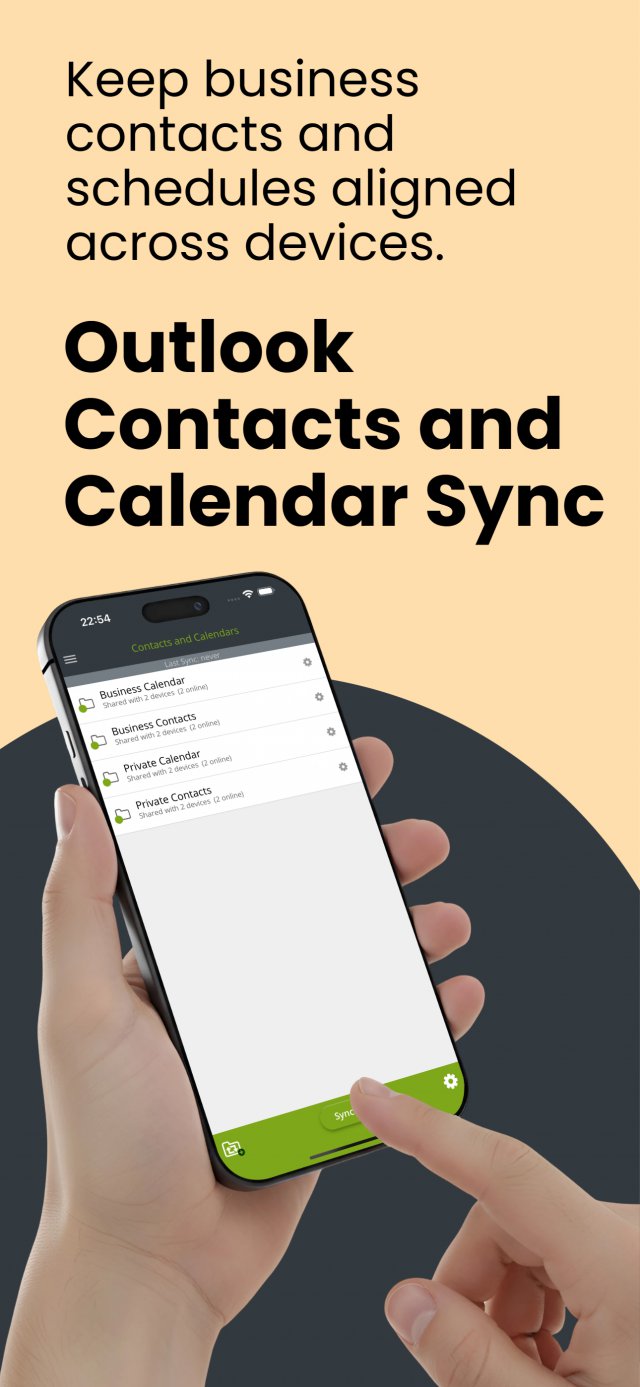
- Cross-device Outlook & file sync: Sync with other mobile users and desktop PCs (connecting to a computer requires a separate desktop license).
- Multi-device store license: Covers your iOS devices under a single Apple ID, including preferred email support.
- Description
- Testimonials
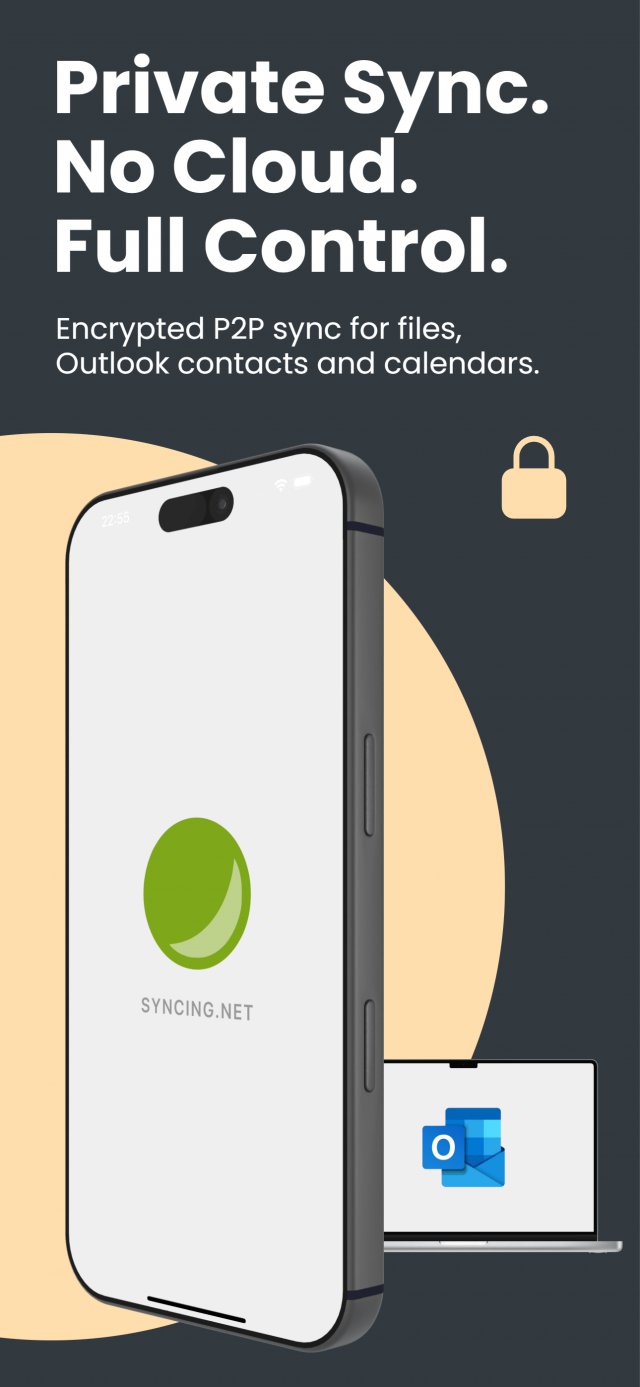
SYNCING.NET for iOS Business is the licensed edition for teams and individual users. It syncs contacts and calendars stored on iPhone, iPad and Android, plus files in folders with configurable limits, using several SYNCING.NET accounts.
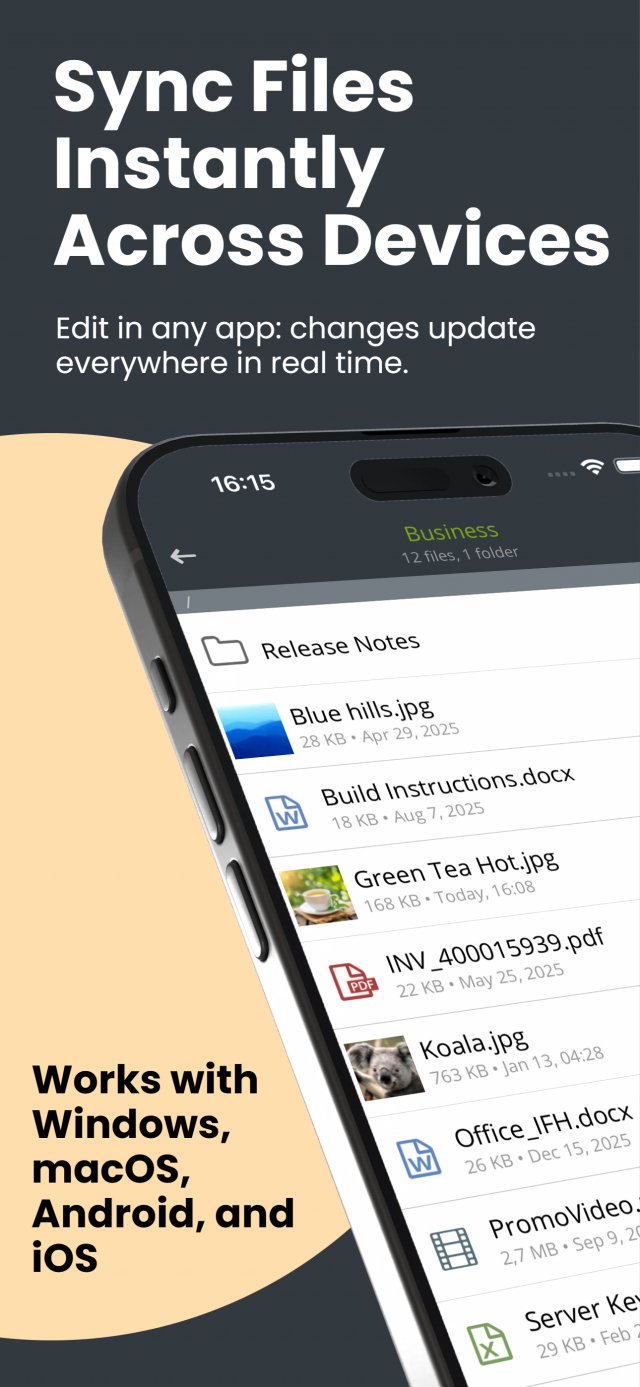
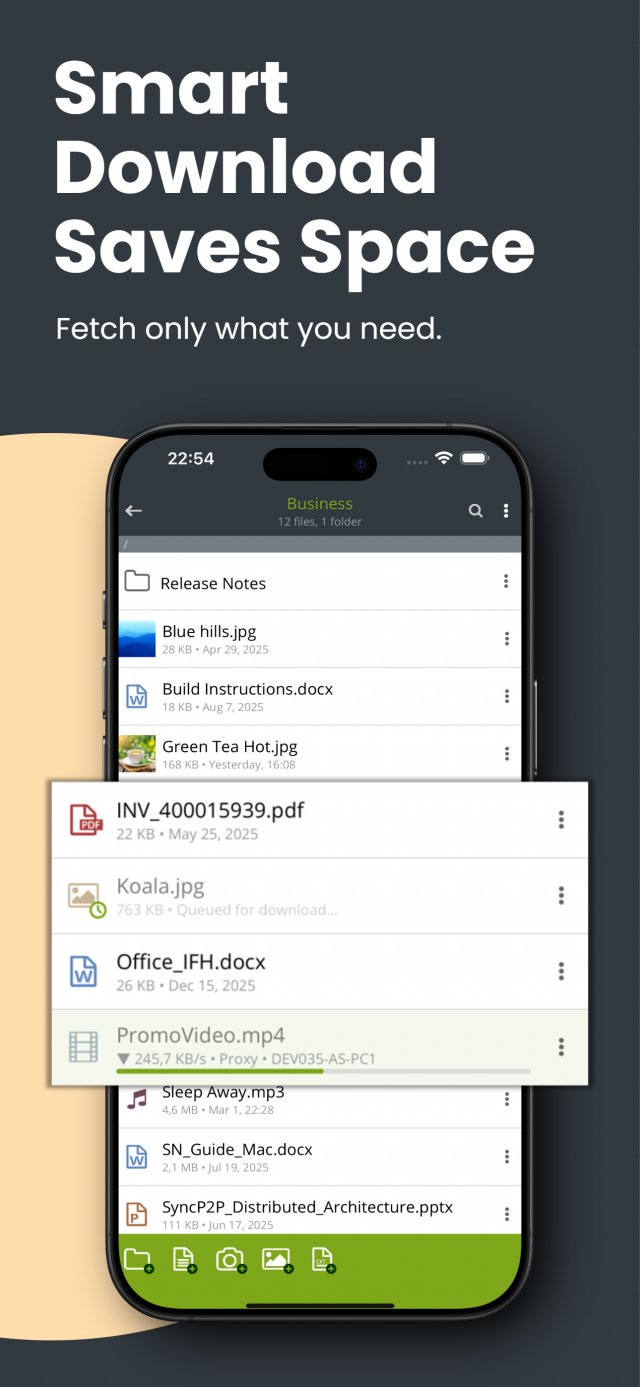
Create the SYNCING.NET accounts you need, assign user rights and set folder limits. To sync contacts and calendars with Outlook on Windows, install SYNCING.NET Business on the PC; the mobile app alone cannot connect to Outlook. Files can be downloaded on demand and removed locally again, so large folders do not fill the device.
Real customers. Real reviews.
Unlimited Mobile Synchronization and Team Collaboration for iPhone and iPad
SYNCING.NET for iOS Business Edition is an advanced mobile solution built for professionals, distributed teams, and demanding individual users who require secure, real-time synchronization across their iPhones, iPads, and desktop computers without public cloud dependency. By lifting the limits of the Free Edition, it provides unlimited data traffic, multi-account support, closed business workgroups, and granular access control.
Removing Free Edition Limits: Built for Individuals and Workgroups
While the Free Edition is ideal for basic personal use, Business Edition unlocks the complete synchronization architecture for both power users and collaborative teams:
- No device or traffic restrictions: Connect all your iOS devices under your Apple ID and synchronize project files without fixed storage quotas (removing the 2-device, 1-group, and 2 GB caps of the Free Edition).
- Multi-account architecture: Configure multiple SYNCING.NET accounts on the same device. Seamlessly separate private personal data from corporate client files while managing both workflows from a single mobile interface.
- Configurable folder limits: Set custom folder quotas for individual projects or team archives to keep storage usage predictable across distributed devices.
- Smart on-demand file delivery: Large project files in shared folders are downloaded only when opened, preserving local storage on your iPhone or iPad. Once reviewed, local copies can be cleared while remaining securely available on your other devices.
Closed Business Groups and Granular Access Rights
Safeguard sensitive business communication when collaborating with colleagues, field staff, or external partners:
- Invitation-only team networks: Groups are private and closed. Only authorized group owners can invite or remove members, ensuring confidential corporate records remain within your trusted circle.
- Granular permission management: Define individual access rights for team members, distinguishing between read-only participants and contributors authorized to create, edit, or delete shared files.
- Server-free P2P security: Exchange files, contacts, and calendar schedules directly between devices via encrypted peer-to-peer connections. Data is never stored on third-party cloud servers or centralized hosting facilities, fully complying with strict GDPR standards.
Connect iPhone and iPad with Microsoft Outlook on Windows
Synchronize your mobile calendar, contacts, and documents with your company workstation or home office PC:
- Desktop companion license: While the mobile app syncs contacts and calendars directly between mobile devices, synchronizing with Microsoft Outlook on a Windows computer requires a licensed desktop client, such as SYNCING.NET Business Edition (teams up to 50 PCs) or SYNCING.NET Personal Edition (up to 3 PCs).
- Direct Outlook sync without Exchange or iTunes: Keep Outlook emails, team appointments, and customer address books aligned in real time without configuring a Microsoft Exchange server, third-party cloud plugins, or manual iTunes cables.
Explore Mobile Companions and Desktop Solutions
- Equipping Android team members? See our companion app for SYNCING.NET for Android Business Edition.
- Basic mobile needs? Compare features with the SYNCING.NET for iOS Free Edition.
- Central administration on desktop: Need centralized role delegation and multi-administrator control for your office network? See SYNCING.NET Manager Edition.
- Google cloud bridge (gSyncing): If you prefer synchronizing Windows Outlook schedules directly with Google Calendar and Contacts on your phone, explore gSyncing.
Subscribe directly through the Apple App Store, or visit the Download page to obtain desktop clients for your Windows and Mac computers.
